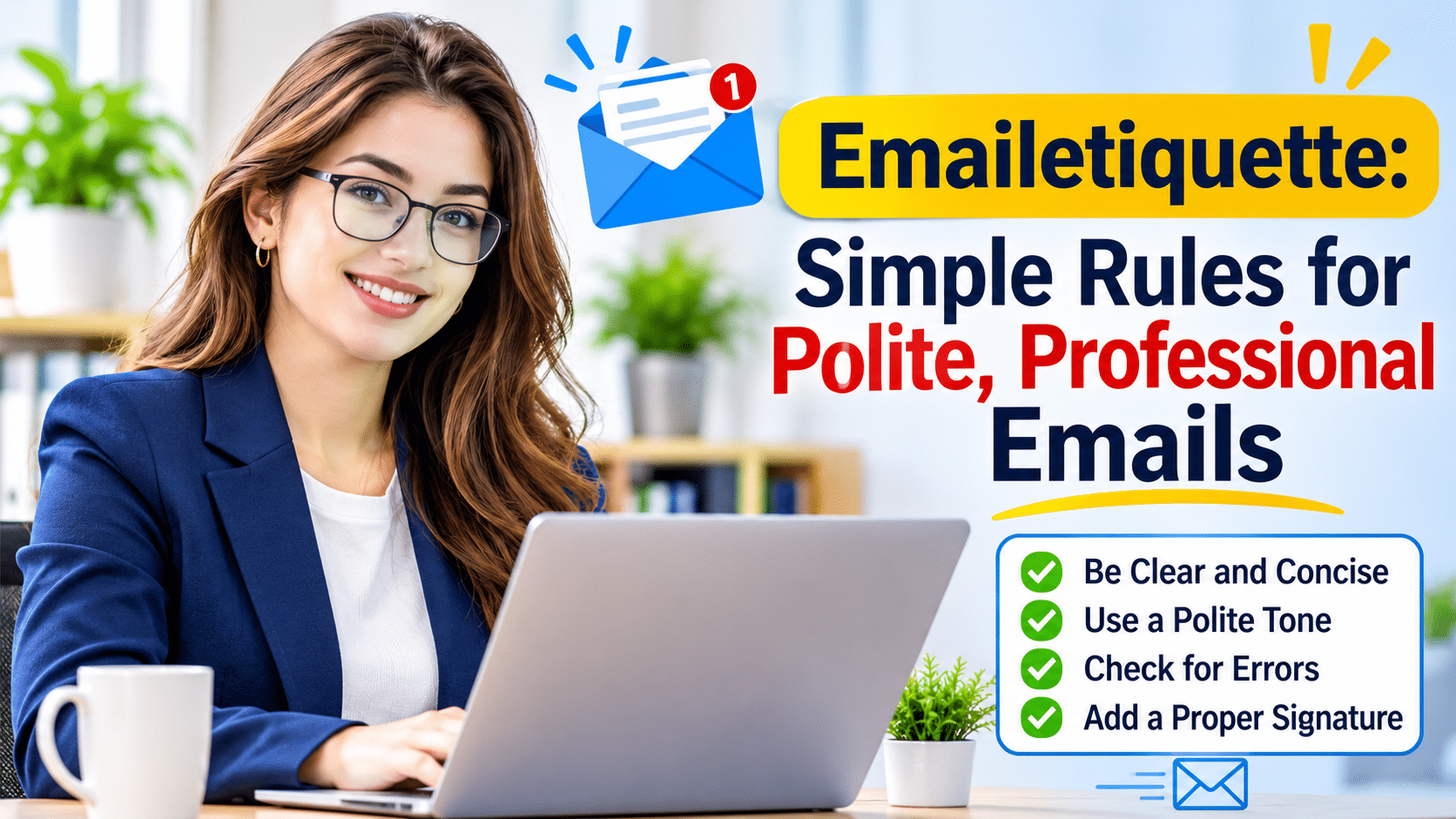
Email remains one of the most important ways people communicate at work, school, and in everyday life. A well-written email can save time, prevent confusion, and help build trust. On the other hand, a poorly written email can create misunderstandings and leave a negative impression. That is why Emailetiquette matters. Good email habits help you communicate clearly, respectfully, and professionally. Whether you send emails to coworkers, clients, teachers, or business partners, understanding Emailetiquette can make every message more effective.
In this guide, you will learn the key rules of professional email communication, common mistakes to avoid, and practical tips that can improve every email you send.
Why Good Email Communication Matters More Than Ever
Email is often the first impression people receive from you. Before a meeting happens or a phone call takes place, many people judge professionalism through written communication.
Strong email skills help people:
- Share information clearly
- Avoid misunderstandings
- Build credibility
- Save time
- Maintain professional relationships
When you follow proper Emailetiquette, recipients can quickly understand your message and respond appropriately. This creates smoother communication and better results.
Understanding the Basics of Emailetiquette
At its core, Emailetiquette refers to the accepted rules and practices for writing and sending emails. These guidelines help people communicate respectfully while keeping messages clear and organized.
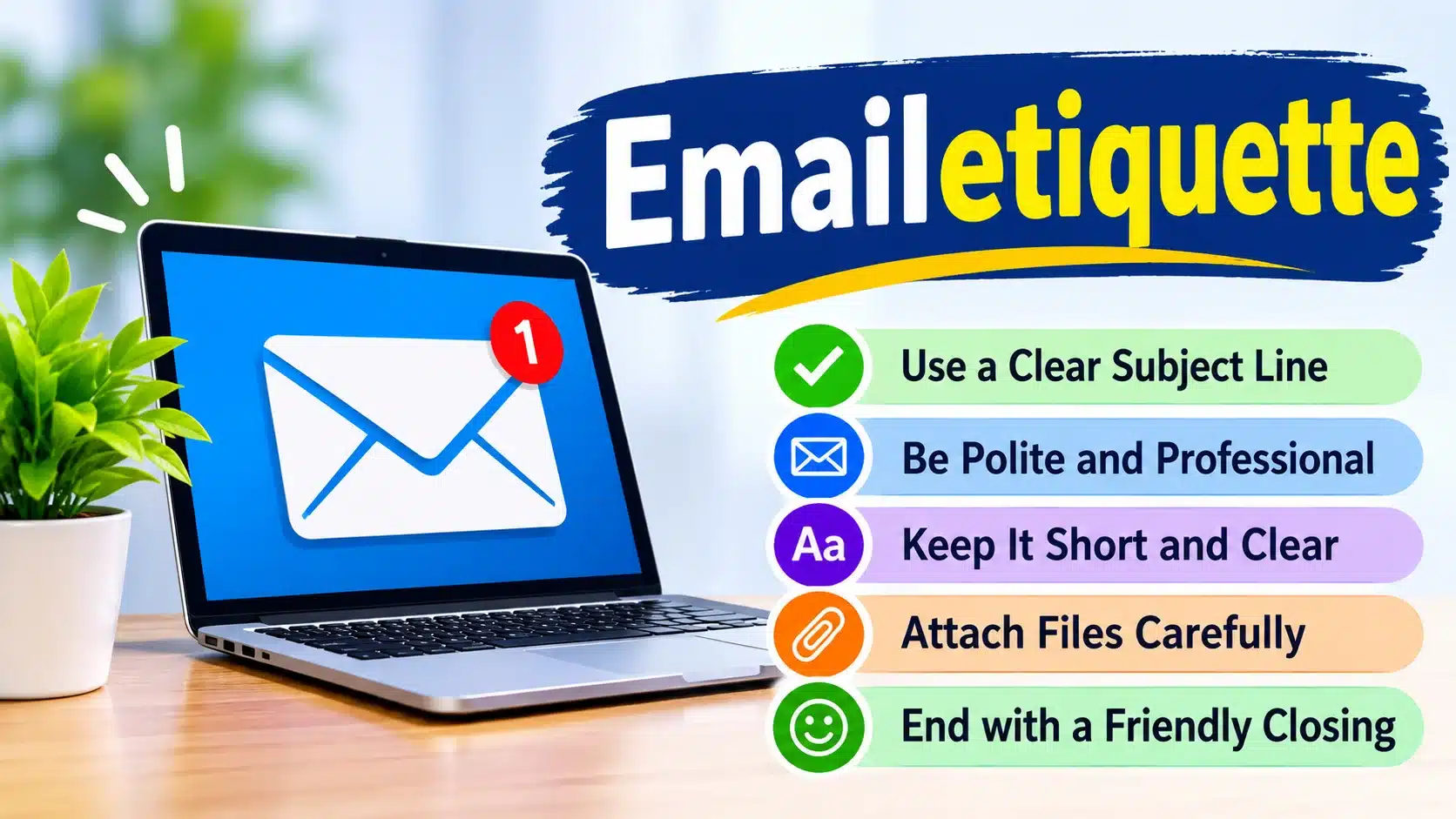
Good email etiquette includes:
- Using a professional subject line
- Greeting recipients politely
- Writing clearly and briefly
- Checking grammar and spelling
- Responding within a reasonable time
- Avoiding unnecessary messages
These simple habits can make a significant difference in how others view your communication.
Start With a Clear and Relevant Subject Line
The subject line is often the first thing people see. A vague subject can cause confusion or even lead someone to ignore the email entirely.
Instead of writing:
Subject: Question
Try writing:
Subject: Question About Friday’s Team Meeting
This gives recipients an immediate understanding of the email’s purpose.
A strong subject line should:
- Be specific
- Stay concise
- Reflect the content accurately
- Highlight any urgent information when necessary
Following this rule is a key part of Emailetiquette because it respects the recipient’s time.
Open Every Email With a Professional Greeting
A proper greeting sets a respectful and friendly tone. It shows consideration for the reader and creates a positive start to the conversation.
Examples include:
- Hello Sarah,
- Good morning Mr. Johnson,
- Hi Team,
- Dear Professor Smith,
Choose the greeting based on your relationship with the recipient. Formal situations may require a more traditional greeting, while team members often appreciate a friendly but professional tone.
Skipping the greeting can make an email feel abrupt or impersonal.
Keep Your Message Clear and Easy to Read
Many people receive dozens or even hundreds of emails each day. Long blocks of text can overwhelm readers and reduce engagement.
Instead:
- Use short paragraphs
- Stick to one main topic when possible
- Get to the point quickly
- Use bullet points for lists
For example, if you are requesting information, explain exactly what you need and when you need it.
Clear communication is one of the most important principles of Emailetiquette because it reduces confusion and encourages faster responses.
Use a Professional Tone in Every Situation
Tone can be difficult to interpret in written communication. A sentence that sounds friendly to you might appear rude or demanding to someone else.
Avoid phrases that sound aggressive, such as:
- You need to do this now.
- Why haven’t you responded?
Instead, try:
- Could you please provide an update?
- When you have a moment, could you let me know the status?
Professional wording helps maintain positive relationships even during stressful situations.
Pay Attention to Grammar and Spelling
Grammar mistakes can affect credibility. While small errors happen occasionally, frequent mistakes may make emails look careless.
Before sending an email:
- Check spelling
- Review punctuation
- Read the message aloud
- Confirm names are correct
Many email platforms include built-in spell check tools. Taking an extra minute to review your message can prevent embarrassment later.
Good grammar supports effective Emailetiquette because it makes communication more professional and easier to understand.
Know When to Use Reply, Reply All, and Forward
One common email mistake involves selecting the wrong response option.
When to Use Reply
Choose Reply when only the original sender needs your response.
This keeps inboxes clean and prevents unnecessary messages.
When to Use Reply All
Use Reply All only when everyone included needs the information.
Before clicking the button, ask yourself whether every recipient truly needs your response.
When to Use Forward
Forward allows you to send an email to someone who was not part of the original conversation.
Always review the message before forwarding to ensure the content is appropriate and relevant.
Respond Within a Reasonable Time
Timely responses demonstrate respect and reliability.
Many professionals try to respond within 24 hours, even if they cannot provide a full answer immediately.
For example, you might write:
“Thank you for your message. I am reviewing the information and will provide a full update tomorrow.”
This simple acknowledgment lets the sender know their message was received.
Quick responses reflect strong Emailetiquette and help keep projects moving forward.
Be Careful With Attachments
Attachments can provide valuable information, but they can also create confusion.
Before sending attachments:
- Confirm the correct file is attached
- Check the file name
- Ensure recipients can open the file
- Mention the attachment within the email
For example:
“Please find the project report attached for your review.”
This alerts the recipient to look for the file.
Large attachments may also create delivery issues. In those cases, a cloud storage link may work better.
Use Formatting to Improve Readability
Formatting helps readers scan information quickly.
Useful formatting techniques include:
- Bullet points
- Numbered lists
- Short paragraphs
- Simple headings
Avoid excessive formatting such as:
- Multiple font colors
- Large text sizes
- Unnecessary capital letters
A clean format looks professional and improves understanding.
Avoid Writing in All Capital Letters
Typing in all caps often feels like shouting.
For example:
“PLEASE SEND THIS TODAY.”
Many readers perceive this as aggressive.
Instead write:
“Could you please send this today?”
Small wording changes create a more positive interaction and support proper Emailetiquette.
Think Before Sending Emotional Emails
Everyone experiences frustration from time to time. However, emotional emails can damage relationships and create long-term problems.
If you feel upset:
- Save the draft
- Take a short break
- Review the message later
- Remove emotional language
A calm response usually achieves better results than a reaction written in anger.
Professional communication focuses on solving problems rather than assigning blame.
Respect Privacy and Confidential Information
Email often contains sensitive information. Protecting privacy should always be a priority.
Before sending:
- Double-check recipients
- Avoid sharing confidential details unnecessarily
- Use blind carbon copy (BCC) when appropriate
- Follow company privacy policies
Mistakenly sending private information to the wrong person can create serious issues.
Responsible handling of information shows professionalism and trustworthiness.
Create an Effective Email Signature
An email signature provides useful contact information while creating a polished appearance.
A professional signature usually includes:
- Full name
- Job title
- Company name
- Phone number
- Website address
For personal communication, a simpler signature may be enough.
The goal is to make it easy for recipients to know who you are and how to contact you.
Common Email Mistakes You Should Avoid
Even experienced professionals make email mistakes. Recognizing common errors can help you avoid them.
Some of the most frequent problems include:
- Missing attachments
- Incorrect recipient names
- Unclear subject lines
- Long, confusing messages
- Ignoring proofreading
- Overusing Reply All
Each of these mistakes can reduce efficiency and create confusion.
Taking a few moments to review your email before sending often prevents these issues.
How Emailetiquette Builds Professional Credibility
People often form opinions based on communication habits. Clear and respectful emails demonstrate responsibility and attention to detail.
Consistent Emailetiquette helps you:
- Build trust
- Strengthen relationships
- Improve collaboration
- Present a professional image
Whether you are applying for a job, communicating with clients, or managing projects, strong email skills can support long-term success.
Good communication often creates opportunities that might otherwise be missed.
Adapting Email Style for Different Audiences
Not every audience expects the same communication style.
Communicating With Clients
Clients typically expect professional and respectful communication.
Use clear language, provide complete information, and avoid slang.
Communicating With Coworkers
Internal emails can often be slightly more relaxed while remaining professional.
Clarity should still remain the top priority.
Communicating With Teachers or Professors
Academic emails should follow a respectful tone.
Include a proper greeting, explain your purpose clearly, and close politely.
Understanding your audience helps make every email more effective.
The Future of Email Communication
New communication tools continue to appear, yet email remains a primary channel for professional communication.
Companies use email for:
- Project updates
- Customer service
- Documentation
- Announcements
- Business discussions
Because email creates a written record, organizations continue to rely on it heavily.
As digital communication evolves, the principles behind Emailetiquette remain valuable and relevant.
Frequently Asked Questions
What is Emailetiquette?
Emailetiquette refers to the rules and best practices for writing professional, respectful, and effective emails. It helps improve communication and reduce misunderstandings.
Why is Emailetiquette important in the workplace?
Good email etiquette creates clear communication and builds trust among coworkers, managers, and clients. It also helps maintain a professional image.
How long should a professional email be?
A professional email should stay concise and focus on the main message. Most emails work best when they are clear, direct, and easy to scan.
When should I use Reply All?
Use Reply All only when every recipient needs the information. This prevents unnecessary emails from filling inboxes.
What should I check before sending an email?
Review the recipient list, subject line, attachments, and grammar. A quick final check can prevent many common email mistakes.
Conclusion
Email remains one of the most powerful communication tools in the modern world. Clear writing, professional language, proper formatting, and respectful behavior all contribute to successful communication.
By following the principles of Emailetiquette, you can create emails that inform, engage, and build trust. Small improvements such as using clear subject lines, proofreading carefully, and responding promptly can make a noticeable difference. Strong email habits help people communicate effectively, avoid misunderstandings, and maintain professional relationships in every setting.